Media Library
The ReactPress media library manages site images and attachments for posts, pages, and theme settings.
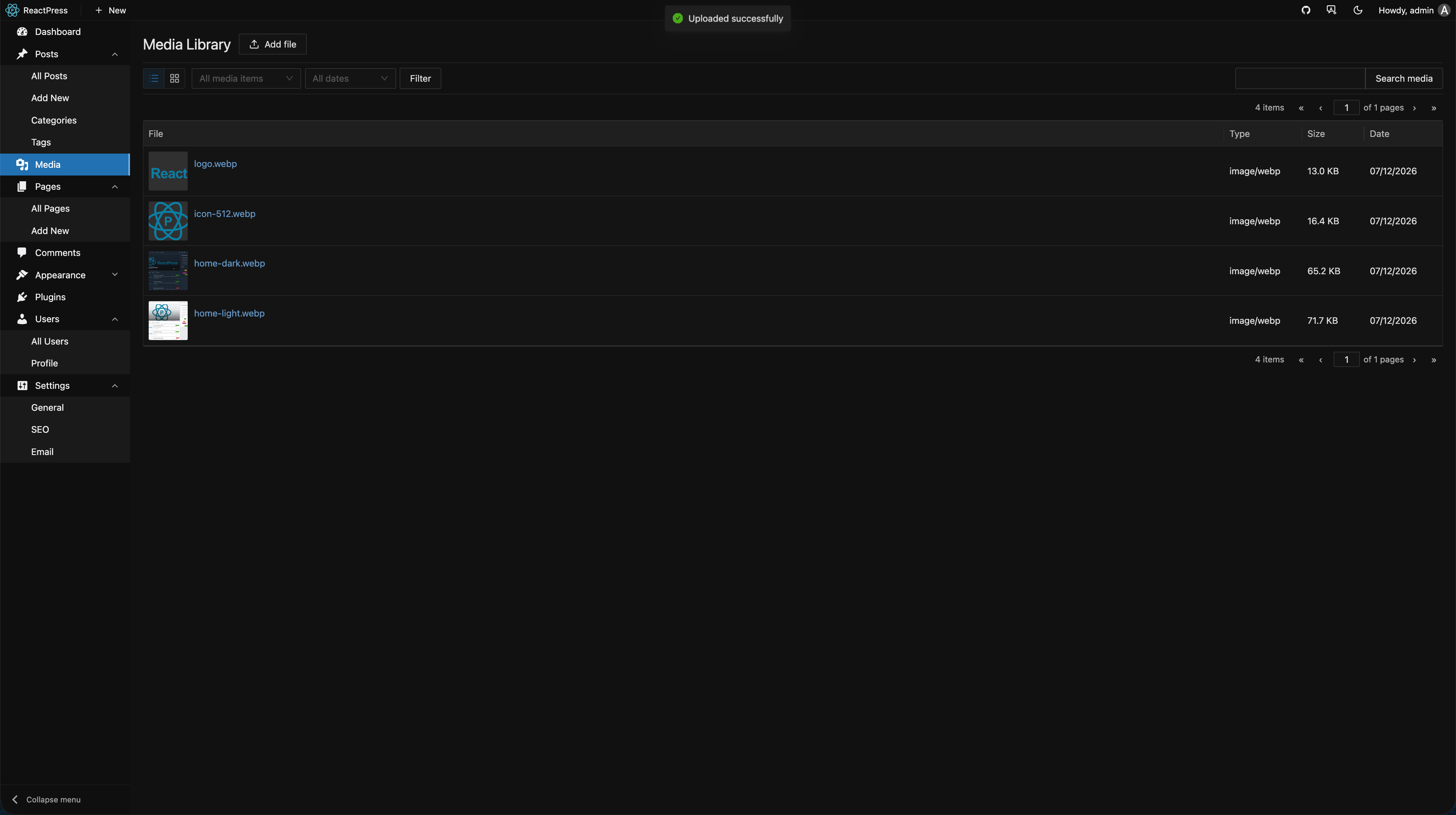
Local upload
- Media → Upload or insert images from the editor
- Default storage: project
uploads/directory (configurable viaREACTPRESS_UPLOAD_DIR) - API returns publicly accessible URLs referenced by theme and Admin
Production
On a self-hosted VPS, persist uploads/ and map static assets correctly in Nginx / reverse proxy. Docker deployments need a mounted volume.
Media library actions
| Action | Description |
|---|---|
| Preview | View original image and metadata |
| Copy URL | Insert into Markdown or theme config |
| Delete | Remove file and DB record (update references manually) |
| Search | Filter by filename |
OSS object storage (optional)
In Settings → Storage you can configure remote storage such as Alibaba Cloud OSS (version-dependent):
- Uploads go to OSS; URLs point to CDN / bucket domain
- Suited for large media libraries and high-availability deployments
After changing config, new uploads use OSS; migrate historical local files yourself.
Image optimizer plugin
With image-optimizer enabled:
- Plugins → image-optimizer → Settings
- Scan historical media and analyze optimization candidates
- Batch convert to WebP to reduce size and improve Lighthouse scores
Works well with site SEO settings for visitor experience.
Best practices
- Compress large images before upload (recommended width ≤ 1920px)
- Use meaningful filenames (helps SEO)
- Use
alttext in Markdown - Use CDN and HTTPS in production