Plugin User Guide
ReactPress 4.0 plugins extend server-side logic (Hooks), similar to WordPress plugins, but without modifying theme code.
Theme = presentation · Plugin = logic
Operations in Admin
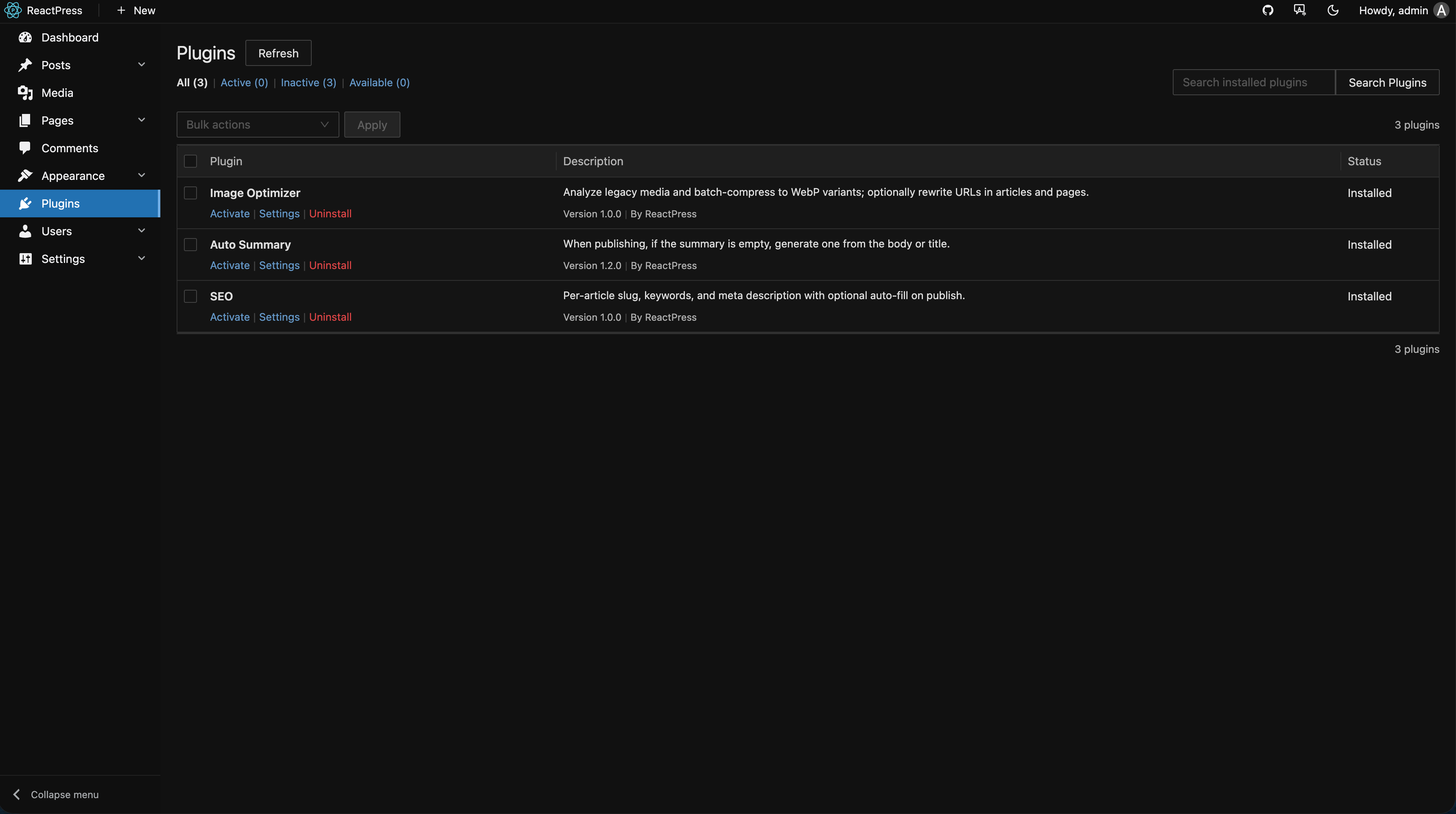
- Plugins → Available to browse the catalog
- Install → Enable
- Click the plugin name for Settings (form generated from
plugin.jsonsettings.schema)
Built-in plugins
| ID | Name | Capability |
|---|---|---|
hello-world | Auto-summary | Generates summary field when publishing posts |
seo | SEO enhancement | Slug, keywords, meta description; Admin editor slot |
image-optimizer | Image optimization | Analyze media library history and batch WebP conversion |
SEO plugin
When enabled, the post editor shows an SEO panel:
- Meta title / description
- Keywords
- URL slug (works with post slug)
Use with theme SSR and site SEO settings.
hello-world (auto-summary)
Generates summary at article.beforePublish Hook — useful for long posts without a manual summary.
image-optimizer
- Enable the plugin
- Open plugin settings and run scan
- Confirm batch optimization; see plugin docs for original-file policy
CLI install (Monorepo)
pnpm run build:plugins    # compile official plugins
reactpress plugin install hello-world   # requires Monorepo / full CLI
4.0 global CLI users should prefer Admin.
Plugins vs Webhooks
| Type | Trigger | Use case |
|---|---|---|
| Plugin Hook | In-process, synchronous, can mutate data | Summary, SEO, validation |
| Webhook | Outbound HTTP, async | Slack, CI, external CMS |
Configure Webhooks in Settings → Webhook; they complement plugins.
Develop custom plugins
See Plugin development guide and repo plugins/README.md.